Completing a Ticket
- Got to Open Ticket Queue
- Click on the subject line of ticket
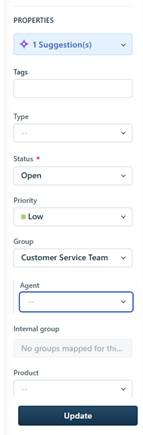
- Under Agent, assign to yourself
- Click Update
- Review the request listed and complete the task in the external systems
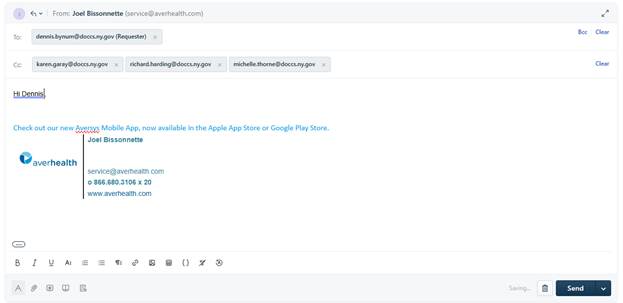
- Once completed, click Reply at the top

- Type out response stating what action was taken
- Click Send at the bottom
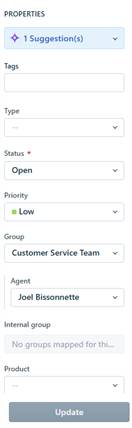
- If completed, on the right drop down, move status to Resolved.
- Select a Type on the drop down that matches the ticket request
- Click Update
Was this article helpful?
That’s Great!
Thank you for your feedback
Sorry! We couldn't be helpful
Thank you for your feedback
Feedback sent
We appreciate your effort and will try to fix the article